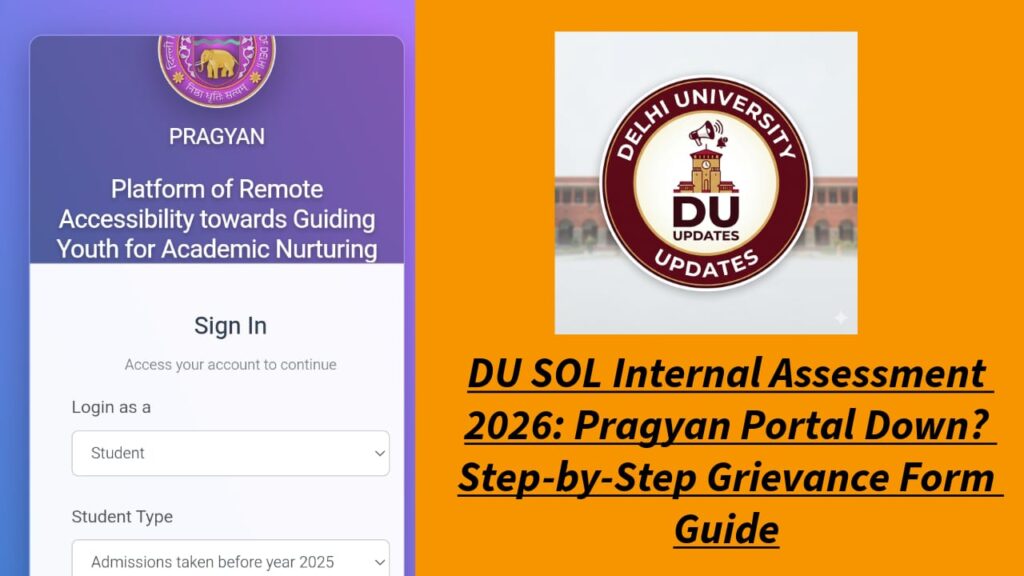
Is your DU SOL Internal Assessment portal not working? As the May 12 deadline for Semester 4 and Semester 6 students approaches, many are facing server errors, login failures, and submission glitches on the Pragyan Portal.
If you haven’t been able to submit your IA due to technical reasons, filling out the SOL Grievance Form is your only official safety net. In this guide, we provide a clear, step-by-step process to report your issue and ensure your marks aren’t affected.
Topics Discussed
Common Technical Errors on the Pragyan Portal
Before filling out the grievance form, check if your issue is listed here. Most students are reporting:
- “Site cannot be reached” or 504 Gateway errors.
- Login Failed: Correct Roll Number and Barcode showing as “Invalid.”
- Missing Papers: Specific subjects not appearing in the dashboard.
- Submission Failure: The “Submit” button not responding after answering all MCQs.
Step-by-Step: How to Fill the DU SOL IA Grievance Form 2026
If you face any of the above, follow these steps immediately to record your complaint with the university.
Step 1: Visit the Official Grievance Link
Go to the official DU SOL website (sol.du.ac.in) and look for the link titled “Grievance Portal for Internal Assessment 2026.”
Step 2: Enter Your Credentials
You will be asked to provide your:
- SOL Roll Number (Format: 2X-1-XX-XXXXXX)
- Barcode (Printed on your ID card/Fee receipt)
Step 3: Select the Problematic Subject
Choose the specific paper for which you faced the issue. If you had issues with multiple papers, you may need to file separate entries or select “Multiple Papers” if the option is available.
Step 4: Describe the Technical Issue
In the “Description” box, be specific. Mention:
- The exact time you tried to log in.
- The error message you saw.
- Example: “At 2:30 PM on May 12, the portal failed to load the questions for Political Science, showing a server timeout error.”
Step 5: Upload a Screenshot (Crucial!)
The grievance form allows you to upload an image. Always take a screenshot of the error page on your phone or laptop. This acts as your proof that the failure was technical and not a personal delay.
Step 6: Submit and Save the Acknowledgment
Once submitted, you will receive a reference number or a confirmation message. Keep a screenshot of this for your records.
Will the DU SOL Internal Assessment Date be Extended?
With thousands of students unable to log in today, May 12, a deadline extension is highly likely. Historically, DU SOL extends the window by 4 to 5 days when major technical glitches occur. However, do not wait for the extension. Filing a grievance now ensures that if the date is not extended, you have a formal record of your attempt.
Pro-Tips for Successful IA Submission
- Off-Peak Hours: Try logging in at 2:00 AM or 5:00 AM. The server load is lowest during these times.
- Browser Choice: Use the latest version of Google Chrome on a desktop/laptop rather than a mobile browser.
- Clear Cache: Clear your browser history and cookies before logging into the Pragyan portal.